Asterix Gaming Guild Logo GeneralXXLXXL 2XXL 3Olympic GamesXXL SpeedrunningXXL Romastered SpeedrunningXXL 2 SpeedrunningXXL 2 Remaster SpeedrunningOlympic Games SpeedrunningRecent StratsOther Asterix GamesOther GamesAsterix MediaSpoofy GoofsCreative ShackVideosHelpBot SpamRetro GamesModdingStreamsPatchesModsToolsResourcesDownloadsWikiUnfair XXLCaesar's ChallengeIntroductionsVC TextAnnouncementsVillage GatesRulesFeedback

#xxl

Martyste Tendertail
Martyste Tendertail
Go to this address in the windowed exe
Martyste Tendertail
Open a calculator, put it to programmer
Martyste Tendertail
I use 1600 x 900, which in Hex equals to 640 x 384
Martyste Tendertail
Once you have the Hex for your resolution, put the numbers in reverse pairs.
Martyste Tendertail
For me, it becomes 40 06 and 84 03
Martyste Tendertail
Write your new values over those found in your file, which should by default correspond to 800x600
PegPeregoGaucho
you can also use HxD's Data Inspector
Stinkek
I don't think I understand anything at all
PegPeregoGaucho
Thats not a hex editor
PegPeregoGaucho
https://mh-nexus.de/en/hxd/
Stinkek
Oh my god, why couldn't Microsoft just make it simple, instead we have to get some weird 3rd party program
Stinkek
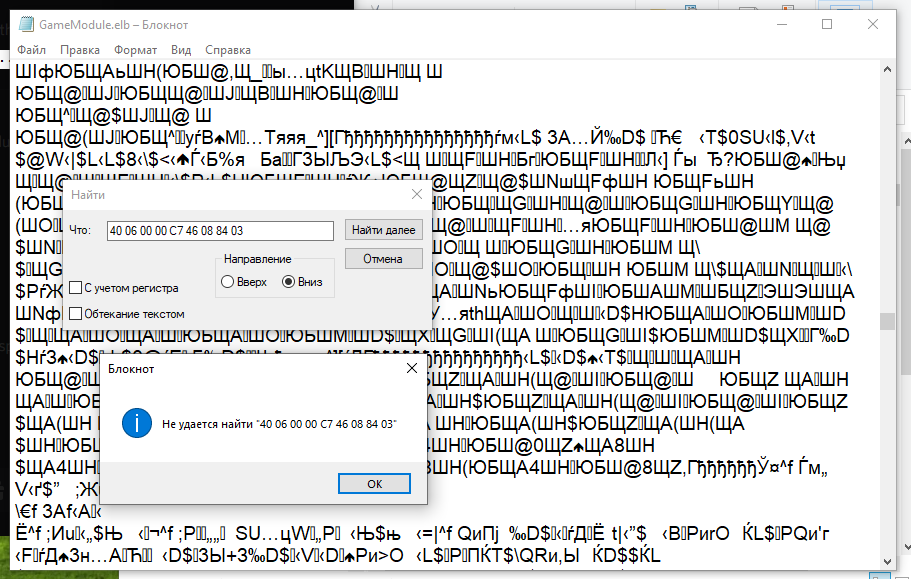
I downloaded the program and put the highlighted text into the search, but the program can't find it in the .elb file or the exe
PegPeregoGaucho
are you searching for Hex-Values?
Stinkek
... No... I'm using this thing for the first time in my life 😳
PegPeregoGaucho
its intuitive
Stinkek
Okay, I switched to Hex Values and repeated my searches... Still no result. :automatix:
PegPeregoGaucho
then you probably have different values there
PegPeregoGaucho
try using Goto and put in 7A5F0
Stinkek
This is what I have here