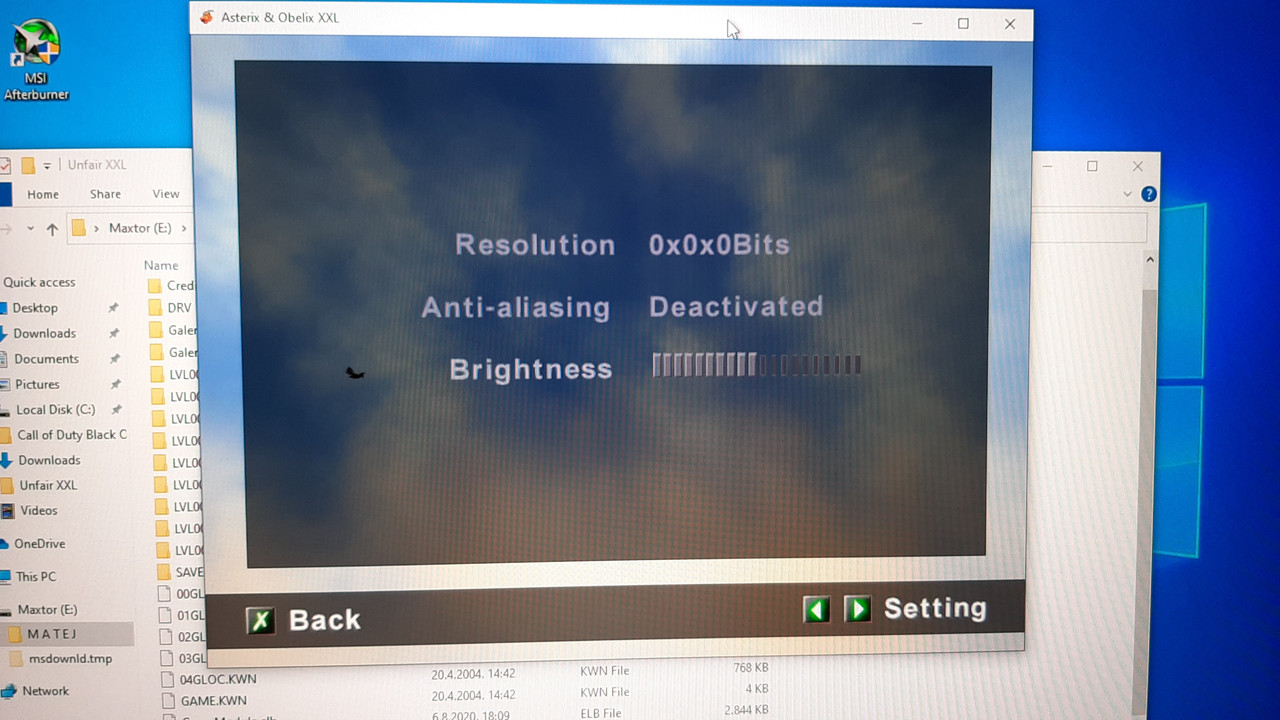
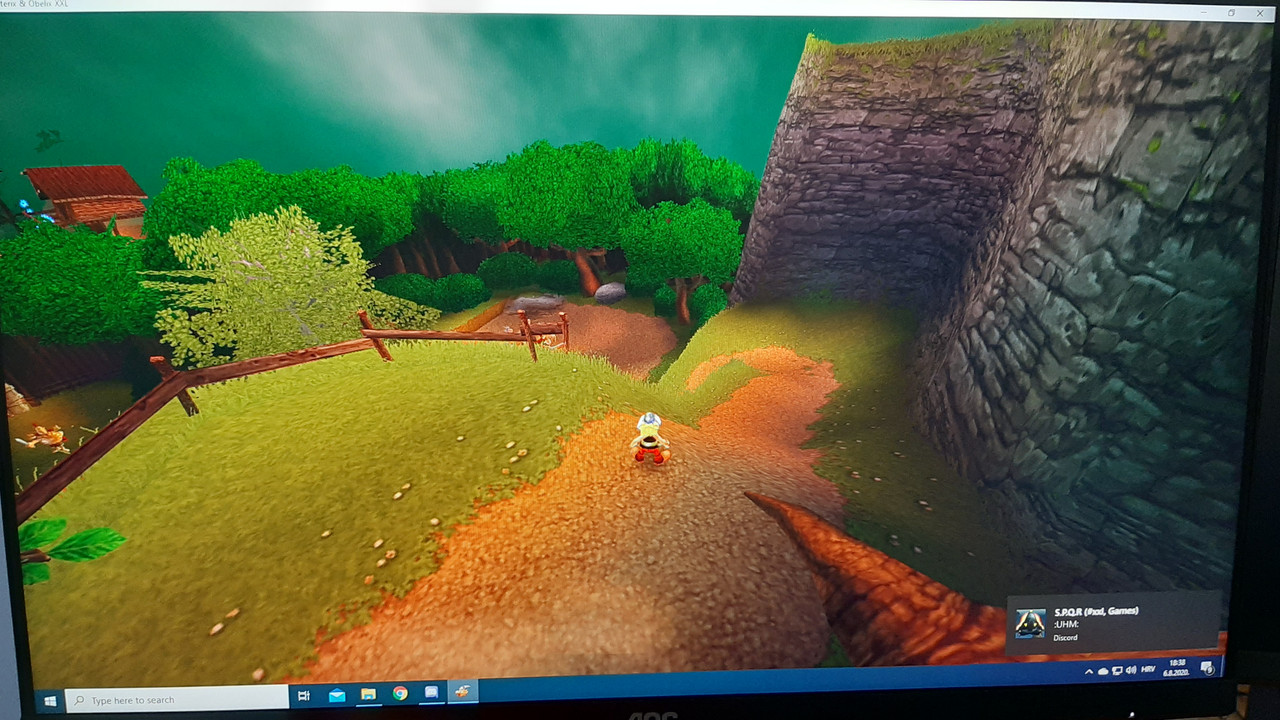
Now how do I make it fullscreen
you can use borderless gaming to make it fullscreen windowed
If I change the resolution here, it crashes
Like Spork suggested, try Borderless Gaming. It has a very simple interface. You need to launch the game, select it in BG and press the button with an arrow pointing to the right
wait a minute, are those the UnfairXXL game files?
the gamemodule that comes with it is already patched, you dont need to do anything
But I'm already having fun from those buffed Romans
I deleted the GameModule.elb that I put in but it's still pretty zoomed out
I know I'm frustrating but..
you only extract the UnfairXXL files and copy over the GLOC files from a legitimate copy, thats it
you dont need to touch the gamemodule
I just don't know why is it zoomed out so much and I can't change the resolution
changing the resolution doesnt crash anything for me
 GeneralXXLXXL 2XXL 3Olympic GamesXXL SpeedrunningXXL Romastered SpeedrunningXXL 2 SpeedrunningXXL 2 Remaster SpeedrunningOlympic Games SpeedrunningRecent StratsOther Asterix GamesOther GamesAsterix MediaSpoofy GoofsCreative ShackVideosHelpBot SpamRetro GamesModdingStreamsPatchesModsToolsResourcesDownloadsWikiUnfair XXLCaesar's ChallengeIntroductionsVC TextAnnouncementsVillage GatesRulesFeedback ☰