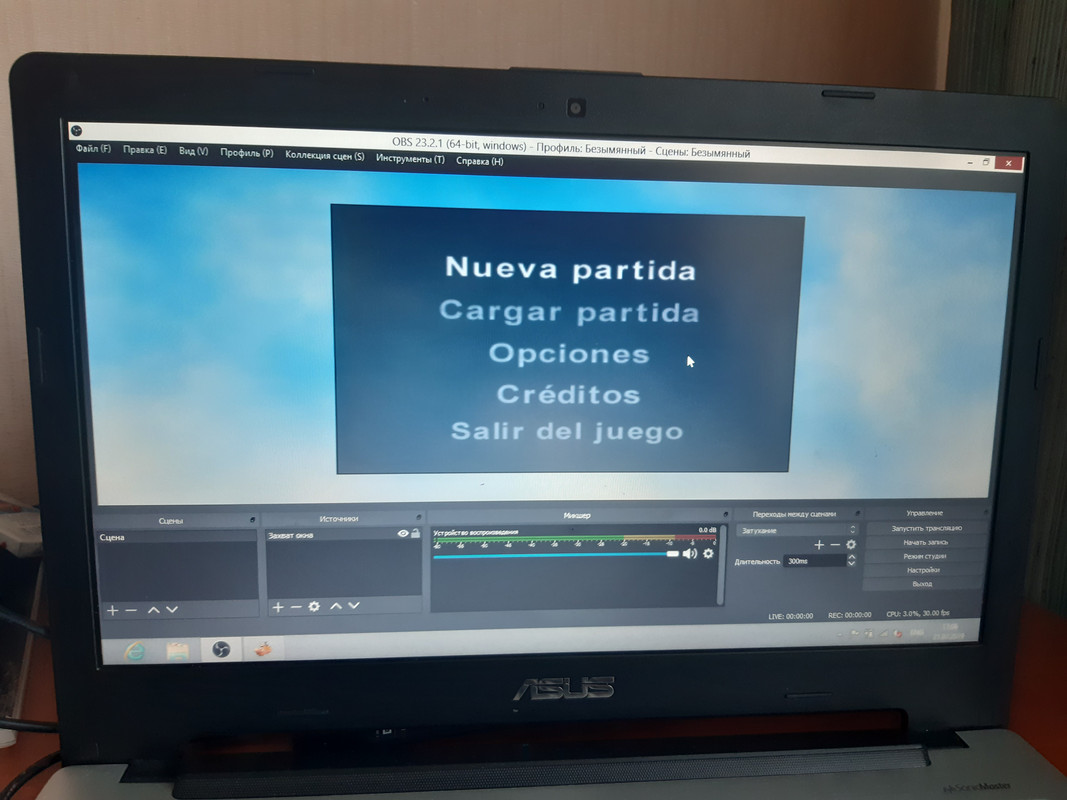
You're working with screen recording to show the game, right?
I record game and LiveSplit as windows
Because when I record screen,OBS crash
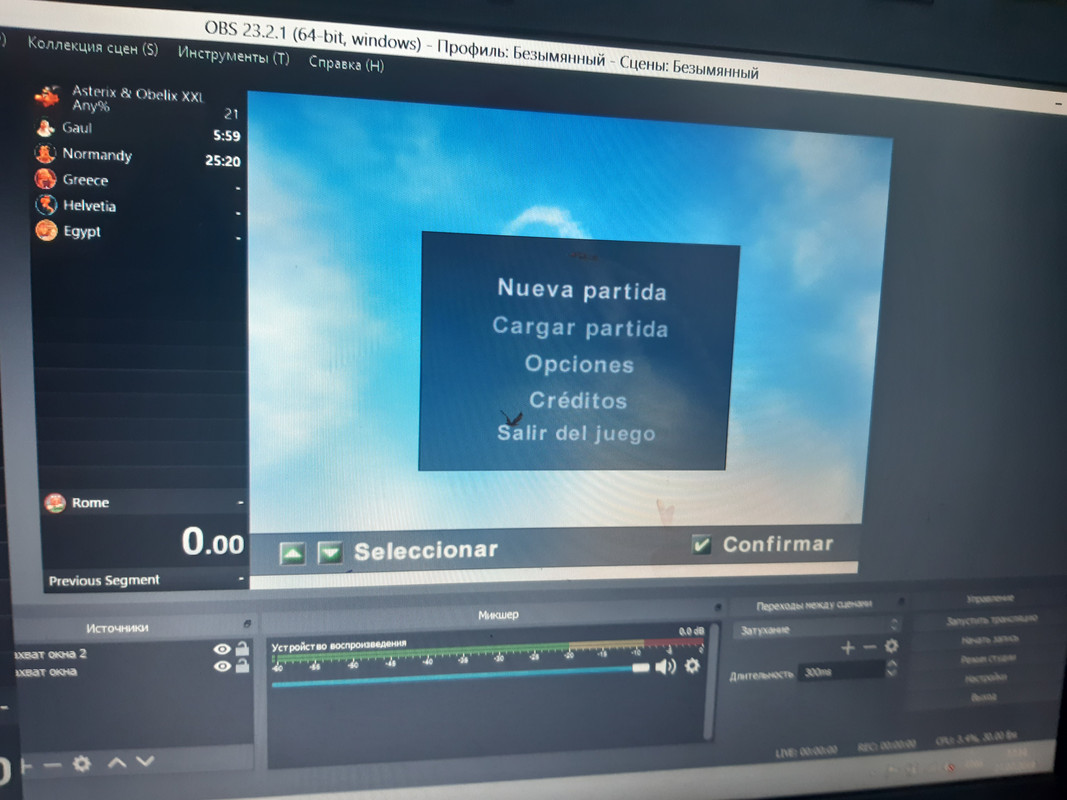
then you have to change it in OBS itself. When you select your game recording there, you have a green surrounding where the game is currently shown. You can drag it with this surrounding into the way you need it
and also see within OBS what is shown when you start recording
if you have studio mode: The right screen is the one that actually shows your recording
ouh, it's a red outline, not a green one
what do you mean with piecemeal?
Every zone is different video
We don't have a segemented any% (that's what you mean).
But you could do the individual level%s.
So gaul%, Normandy%, Greece% and so on
Ok,I should record not piecemeal,full run
if you want to do a any% then yeah
Today I try to record small run(Gaul% maybe),and you tell me,what I need to do for true recording
Okay. But please remember that you have to manually split then and remember reading the rules first
"Timing starts as soon as you are able to move your character.
For Level: Any% timing ends as soon as you enter the blue light to free the druid."
You still have to see all of the game after you open livesplit ^^
Open livesplit first and then adjust the game size again
 GeneralXXLXXL 2XXL 3Olympic GamesXXL SpeedrunningXXL Romastered SpeedrunningXXL 2 SpeedrunningXXL 2 Remaster SpeedrunningOlympic Games SpeedrunningRecent StratsOther Asterix GamesOther GamesAsterix MediaSpoofy GoofsCreative ShackVideosHelpBot SpamRetro GamesModdingStreamsPatchesModsToolsResourcesDownloadsWikiUnfair XXLCaesar's ChallengeIntroductionsVC TextAnnouncementsVillage GatesRulesFeedback ☰