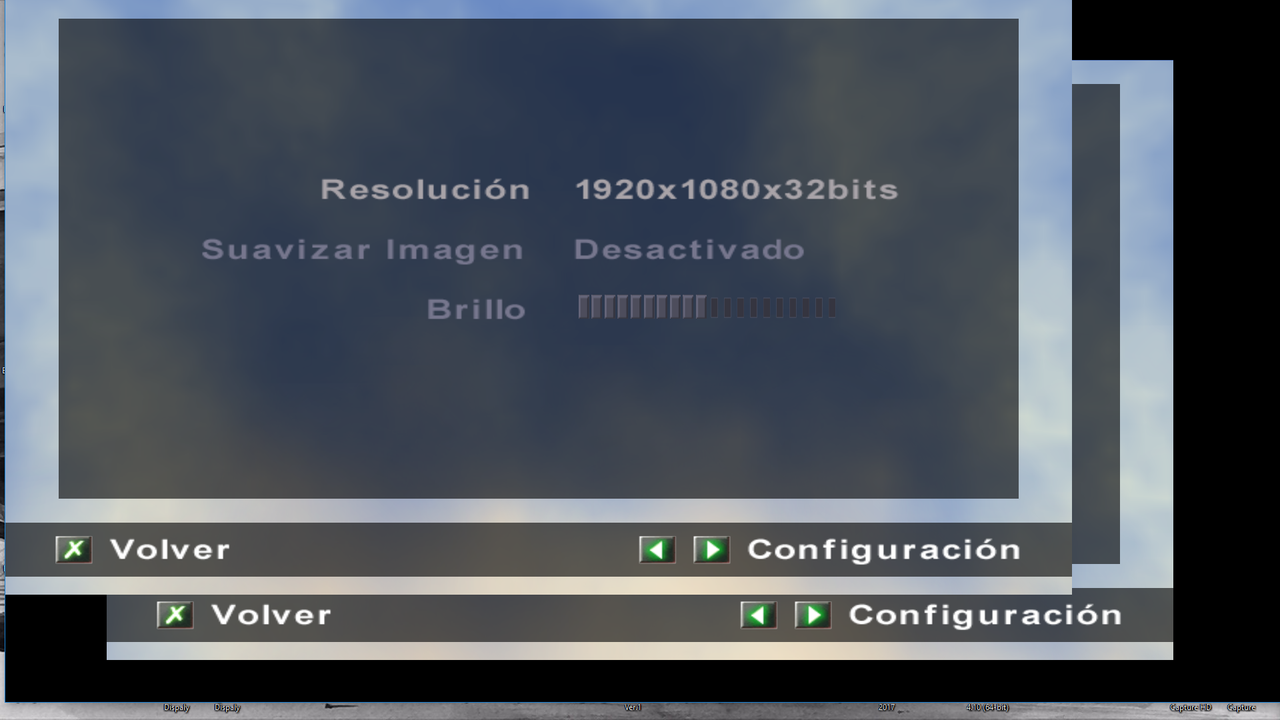
Because too lazy to upload
But basically... not much
Because I never confirm the graphics change
I'm still using DXwnd btw
So I'm thinking that might be the culprit.
Had the same problem with DXwnd :/
Actually, I'd be more than fine to play on this resolution but as it may interfere with the box transportation inc. I kinda would like to get it all working :/c
Wasn't there someone who had a method for getting around this? :/c Can't remember who.
I guess I could play in Fullscreen mode... Would much prefer not to though.
Already told you to get rid of DXwnd, it has bugs like the one you just mentioned, even for me
go to #downloads grab a module with the windowed patch on it, delete your DxWnd.dll and D3d9.dll in your installation folder and get BorderlessGaming (https://github.com/Codeusa/Borderless-Gaming/releases)
just start BorderlessGaming and your Asterix.exe and add the Gamemodule.elb to your favourites (inside BorderlessGaming) and it should do the trick
and if you don't want to play in borderless windowed but normal windowed just don't do the BorderlessGaming part and use my WinDOW.exe and follow the instructions
Wait, boarderless can put it in window mode? o__o
Nah, that's what the patch is for
I don't know why this is surprising to me.
 GeneralXXLXXL 2XXL 3Olympic GamesXXL SpeedrunningXXL Romastered SpeedrunningXXL 2 SpeedrunningXXL 2 Remaster SpeedrunningOlympic Games SpeedrunningRecent StratsOther Asterix GamesOther GamesAsterix MediaSpoofy GoofsCreative ShackVideosHelpBot SpamRetro GamesModdingStreamsPatchesModsToolsResourcesDownloadsWikiUnfair XXLCaesar's ChallengeIntroductionsVC TextAnnouncementsVillage GatesRulesFeedback ☰