I agree, more tools would deflinitely help speed up the proccess.
@adrientd Do you know which line is that from?
The one that starts with four backslashes (like `\*\*\*\* Selection`, with * being some letter)
Thanks, it was hidden on the bottom, I couldn't find it.
Russian words too long, they can't fit anywhere, haha. I'm chopping some menu words down.
That and my choice of font too.
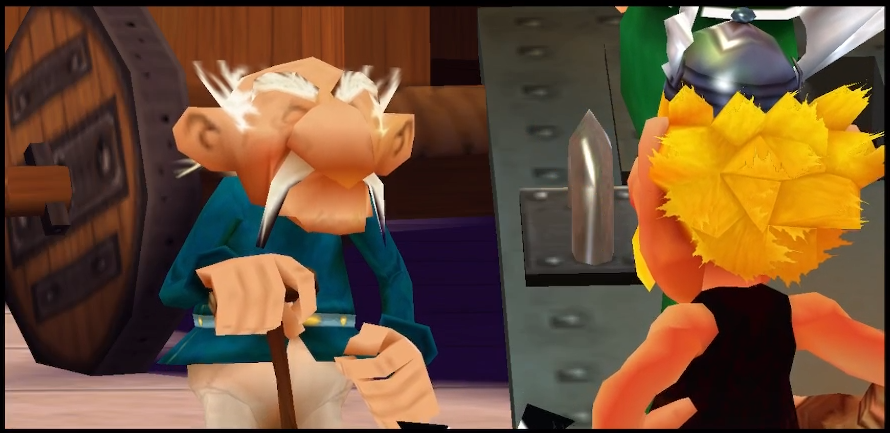
Have you guys poke around cutscenes? Can you change and save camera angle, for example for this scene?
I might be biting more than I can chew, but it never stopped me before.
i think @pegperegogaucho did changes to the cutscenes in Unfair XXL
since cutscenes are live happening in the game you can change position of the characters
and i think most probably camera angles as well
Yes, I'm exploring the Editor, but I haven't found anything of this kind, yet.
maybe you may want to look at splines
splines are navigation roads for some movable objects
Thanks, I'll look them up.
Hello, to change camera angles use the camera editor which can be found when clicking on the white donwards arrow
Some cameras travel on a path and they use a spline to determine their position
How do I import .dff file into Blender? When I drop in, there is just pink square and no model appears.
You need to use the DragonFF plugin to import and export dff
 GeneralXXLXXL 2XXL 3XXXLOlympic GamesXXL EditorToolsOff-TopicXXL RomasteredXXL 2 RemasteredOther GamesModsCaesar's ChallengeUnfair XXLPatchesFan ArtPersonal ArtSpeedrunningMediaRandomizerBETA RomeHSKALPresence AdrienPresence SPQRPresence Mr. Rubinshtein
 Helpdesk ☰