Asterix Gaming Guild Logo GeneralXXLXXL 2XXL 3XXXLOlympic GamesXXL EditorToolsOff-TopicXXL RomasteredXXL 2 RemasteredOther GamesModsCaesar's ChallengeUnfair XXLPatchesFan ArtPersonal ArtSpeedrunningMediaRandomizerBETA RomeHSKALPresence AdrienPresence SPQRPresence Mr. RubinshteinSupport Bot Helpdesk

#editor

pegperegogaucho
https://github.com/Parik27/DragonFF
deep_wolf
Oh, I don't have it then. Let me install it.
deep_wolf
Okay, I got it, thanks.
deep_wolf
mr.rubinshtein
deep_wolf
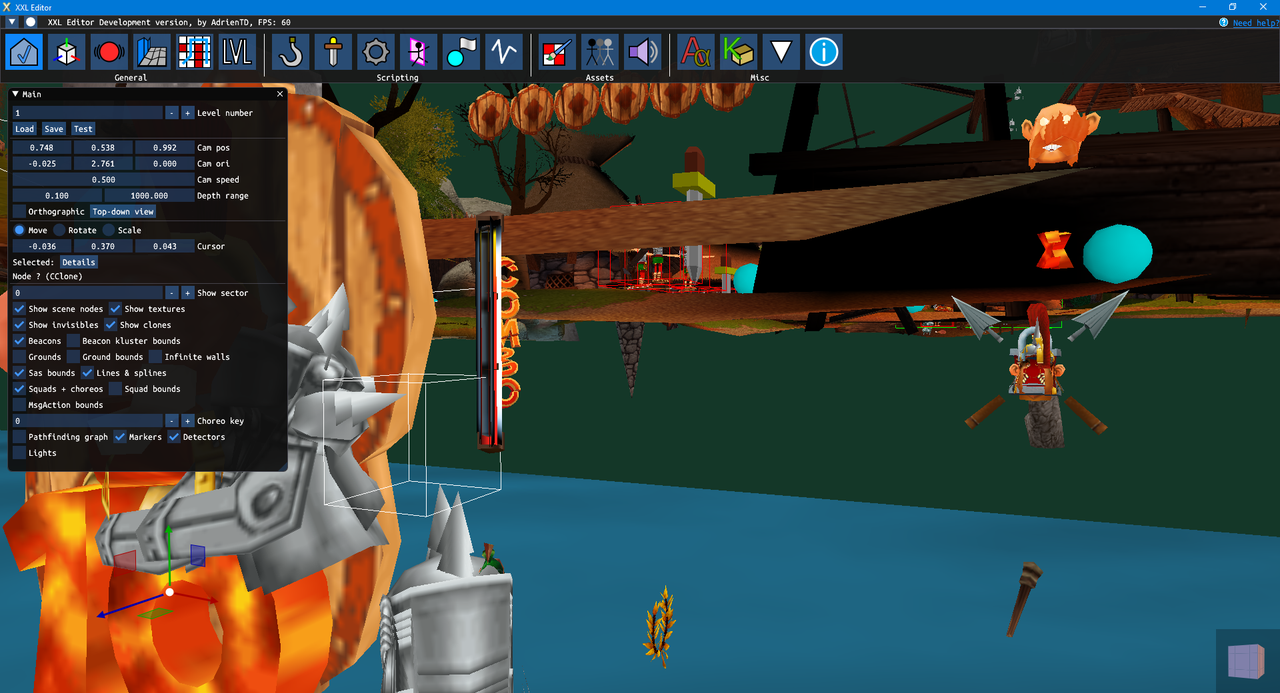
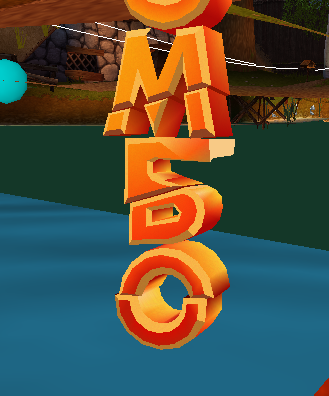
Also, where can I find COMBO letters? I searched around, but haven't found it anywhere. They must be somewhere within regular level, right? I found title screen logo.
deep_wolf
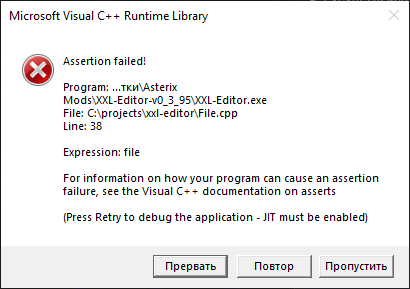
Also, editor crashed when I try to import new model, but maybe, I'm not sure what I'm doing, so no big deal, I'll figure it out.
adrientd
They are here:
adrientd
You need to enable "Show invisibles" then set the camera position to around (0,0,0)
adrientd
it might be covered by other invisible objects such as shields, so you will have to move them out to uncover the COMBO.
adrientd
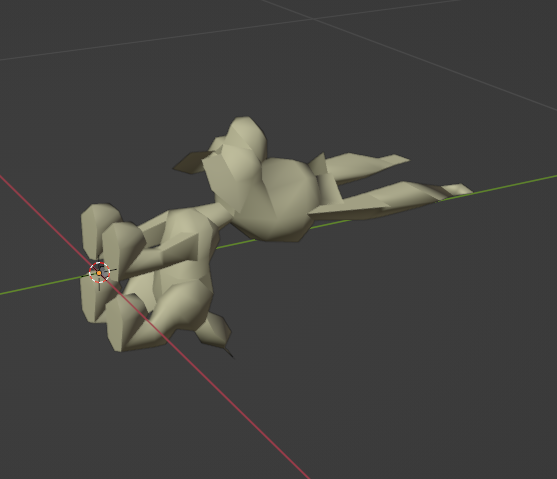
Be sure that during export, you select the object, and in the export file window, you check "Selection only" and set the version to Renderware 3.6 (San Andreas)
deep_wolf
Something new.
adrientd
What were you trying?
adrientd
That message means it could not open a file.
deep_wolf
They aren't there!
deep_wolf
I'm trying to import .dff file, maybe something wrong with mine.
adrientd
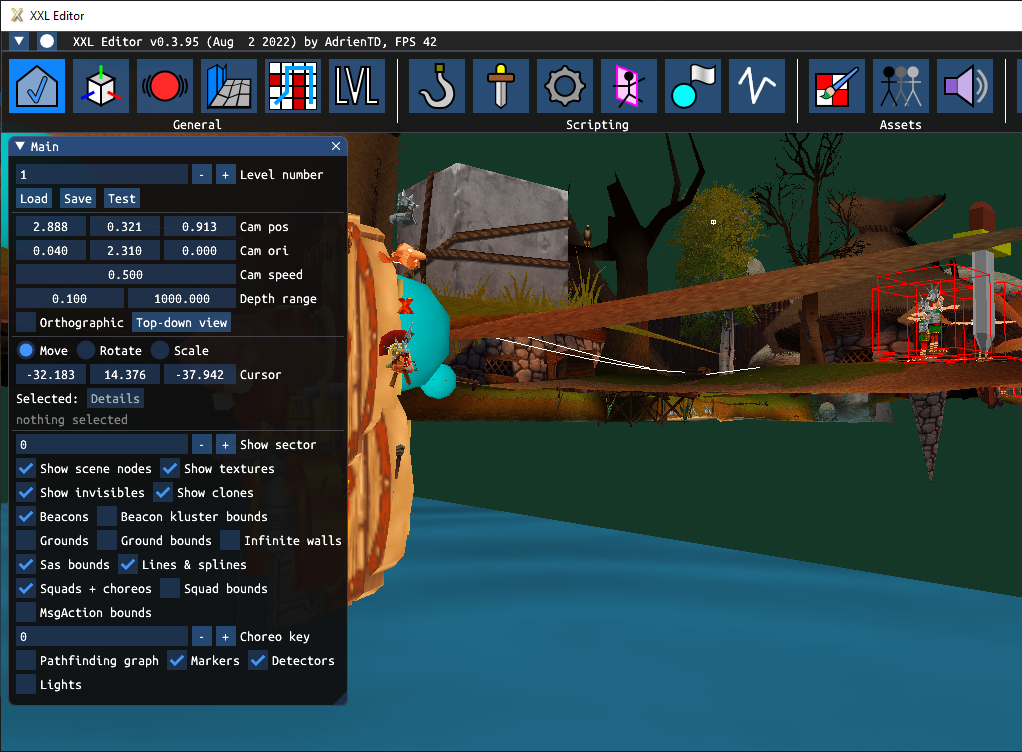
You need to move the shields, since they cover the letters
deep_wolf
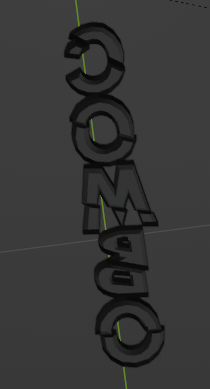
Thanks, I found it:
deep_wolf
Nice, at least this one is working.
baku69
Damn, how did ya doing that good shit